 Chrono Mock
Make one app's clock run faster
A 30-day trial takes 30 days to expire, unless you can move time. The usual advice is to push the system clock forward, which needs administrator rights and drags every other program on the machine along with it. This moves one process instead.
How fast
Pick a whole-number multiplier. The application's clock advances that many times faster than the real one, from whatever moment the session starts at.
| Multiplier | One real minute becomes | Useful for |
|---|---|---|
x60 | an hour | hourly jobs, session timeouts, token lifetimes |
x1440 | a day | daily rollovers, a 30-day trial in half an hour |
x43200 | a 30-day trial | watching the whole trial end while you read this |
x525600 | a year | annual renewals, certificate expiry |
x1000000 | about 1.9 years | the ceiling |
# Start at the real time now, and run a day per minute
chrono run "C:\apps\test.exe" --mode x1440

# Start on a chosen date and accelerate from there
chrono run "C:\apps\test.exe" --at 2027-12-01T09:00:00 --mode x1440

# Hold the clock completely still instead
chrono run "C:\apps\test.exe" --mode frozen
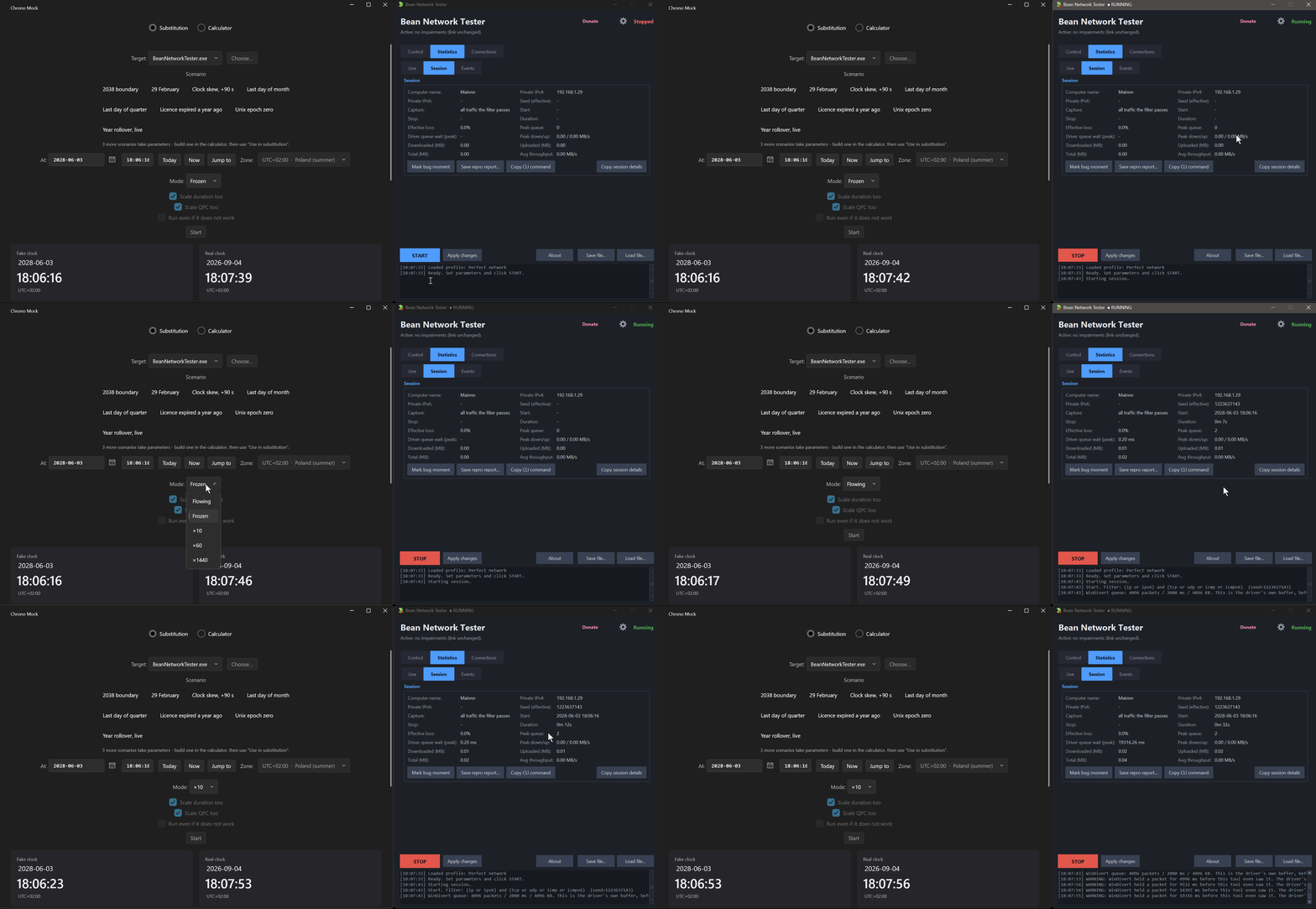
The part that catches people out: there are two clocks
Speeding up the wall clock - what DateTime.Now and its
equivalents return - does not by itself speed up a countdown. Those
are two different questions an application can ask the operating system, and plenty
of software measures "thirty days" with the second one rather than the first.
So the duration axis - tick counts, sleeps, waits and timers - is a separate switch:
--scale-durationputs tick counts, sleeps and timers on the session clock too, while object waits are counted and keep their real length. Without it,x1440races the calendar forward while a five-second timer still takes five real seconds - only a timer set for a date and time follows the session clock in every session.--scale-qpcadditionally scales the high-resolution counter. That is where Python 3.13+monotonic, .NETStopwatchand JavananoTimeread elapsed time, and it is off by default because scaling it destabilised rendering in testing.
If the multiplier appears to do nothing to a countdown, this is almost always why.
# A timer app: speed the calendar AND the countdowns
chrono run "C:\apps\Timer.exe" --mode x60 --scale-duration

# A Python or .NET app measuring elapsed time on the high-resolution counter
chrono run "C:\apps\Job.exe" --mode x60 --scale-duration --scale-qpc
Changing speed without restarting
The multiplier can change mid-session, and the clock is re-anchored rather than jumped, so it never goes backwards when the speed drops. You can also jump the clock outright - forwards, or backwards the way a laptop does after it resyncs with a time server, which is the case that breaks anything measuring elapsed time without a guard.
# Run at x60, then switch to x1440 two seconds in
chrono run "C:\apps\test.exe" --mode x60 --set-after 2:1440

# Run, then jump the clock to a chosen moment five seconds in
chrono run "C:\apps\test.exe" --jump-after 5:2028-01-01T00:00:00
What it will not do
- It does not touch the system clock. That is the point, not a limitation - but it means anything reading the time from a server, a database or another machine is unaffected, and the audit will tell you when that happens.
- A jump changes what the application sees, not when it wakes up. Sleeps and timers already handed to the kernel keep the length they were given when they were set. Most applications poll the clock, so jumps work in practice - not all of them do.
- It does not slow time down. Multipliers are whole numbers of one and above, plus a frozen clock at zero.
Whether any of it reached your application is not something to assume. The session says so →